Free ATI Software Training
Classes Offered:
Advanced VISION: 1pm-3pm EDT
ECU Rapid Prototyping: - 10am-12pm EDT
API Scripting: 1pm-3pm EDT
Registration
Please sign up for each class you'd like to attend.
Class Descriptions
Day 1 - May 26th
Basic VISION
Review VISION basics, such as getting started steps, building screens, calibrating with VISION, and viewing or analyzing data.
Advanced VISION
Learn more about the advancd time-saving, advanced features offered by VISION, including those in the latest release. Topics including Calibration Manager, Advanced Data Acquisition Methods, ECU Interfaces and Advanced Data Analysis.
Day 2 - May 27th
Rapid Prototyping
Rapid Prototyping
Step through proper setup of No-Hooks software and learn how to perform actual modification of ECU parameters and algorithms. Learn about unique functions that make this patented product so unique. Review examples to expand the capabilities of your own processes.
API Scripting
Review VISION's API capabilities to see how other users innovate processes and automate tasks to decrease costs while enhancing productivity. Check out the resulting flexibility that scripting provides through real world examples.
Day 3 - May 28th
VISION Data Analyzer
VISION Data Analyzer
Learn about the features and functions of VDA including analyzing MDF4 files, opening common ASCII data files, creating custom layouts, viewing data grids, utilizing calculated channels and more.
CANLab
CANLab
This class covers getting set up and running with CANLab software. Learn more about using CAN with VISION, CAN Message functionality, and configuring CAN interface hardware.
Meet Your Trainers
Basic
VISION

Anthony
Canestraro
Application
Engineering
Advanced
VISION & VDA
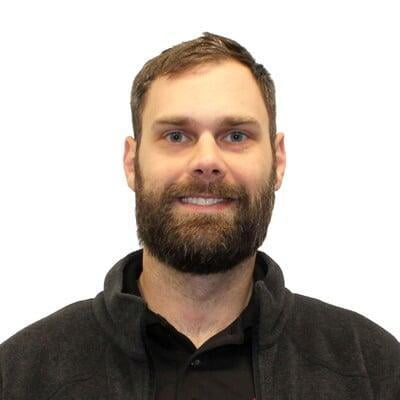
Tom
Vrettas
Manager, Application
Engineering
ECU Rapid
Prototyping

Michael Falandino
Sr. Application Engineer
API
Scripting

James
Mitchell
Manager, Global Application Engineering
CANLab
Network Analysis
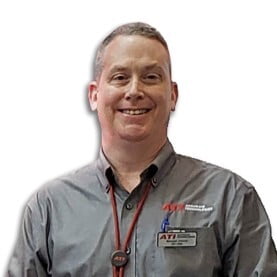
Maxwell
Church
Regional Manager, North/South Americas
More Information
Below are links to products related to the above webinar.